MiniStorageGuru

Run your storage business from your phone.

MiniStorageGuru keeps every unit, tenant and rent payment in one place. Big buttons and plain words, at the office or out on the lot.

Made for people, not computer people. Large text, buttons you can hit with a thumb, and every screen says what it does.

Phone, iPad or computer. Nothing to install – add it to your Home Screen and it opens like an app.

Every dollar has a paper trail. Payments are never deleted; corrections are recorded next to the original.

Backed up every night. Your records and photos are copied automatically.

What it does

A map of your lot

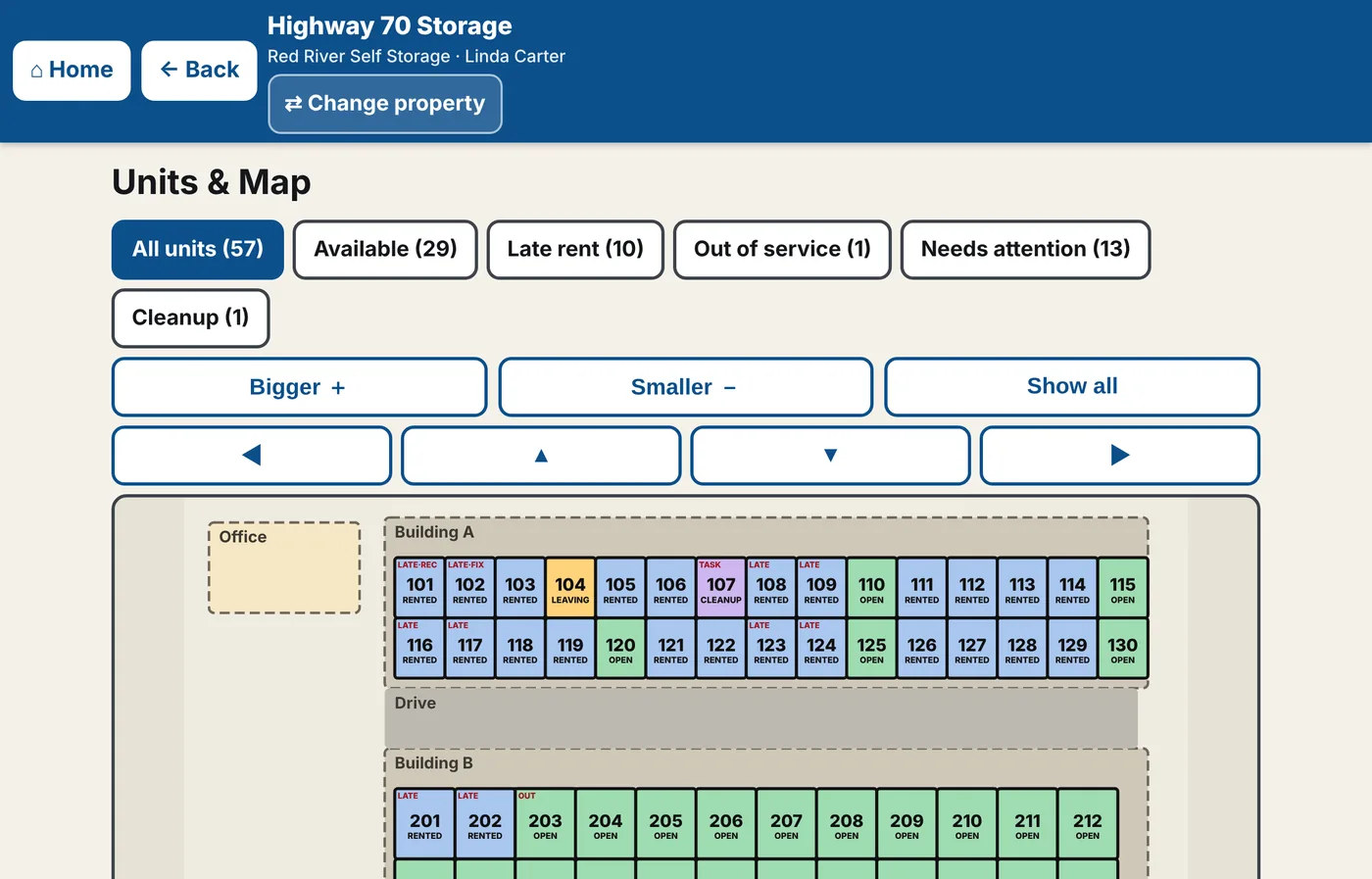
See every unit at a glance – which ones are open, rented, behind on rent, out of service or waiting to be cleaned. Tap a unit to see who rents it and what they owe.

  • Colors and words, so nothing depends on color alone
  • Highlight just the late units, or just the available ones
  • Each location has its own map
The map screen: rows of units colored by status, with filter buttons above

Walk the property with your phone

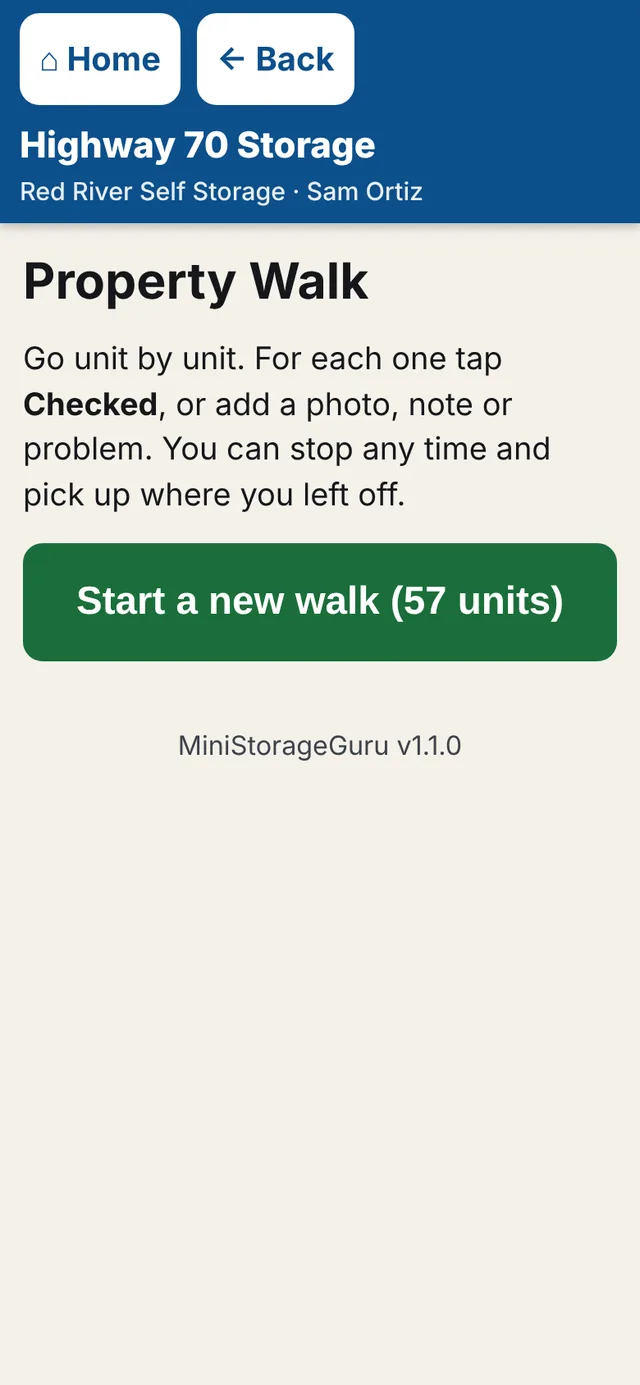
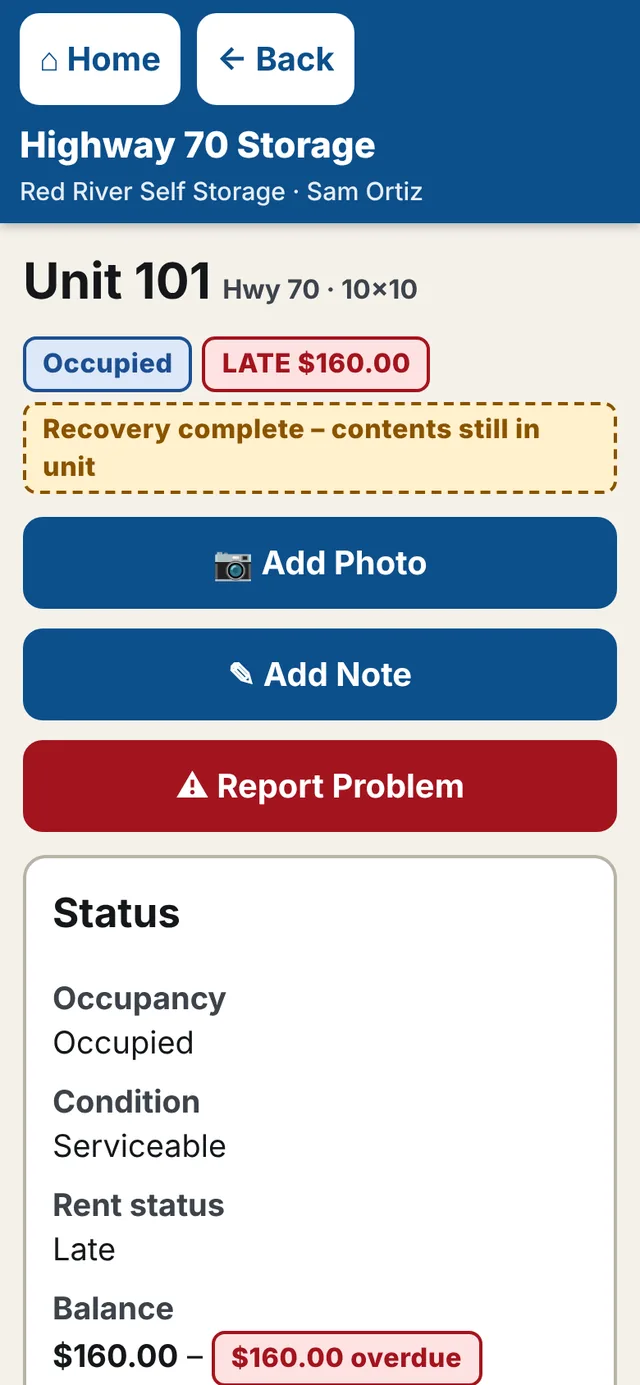
Property Walk takes you unit by unit. Mark each one checked, snap a photo, write a note or report a broken latch. It keeps working where the signal is weak and catches up when you're back in range.

  • Photos stay private to your business
  • Problems become repair tasks for the right person
  • Print QR labels: scan a door to open that unit
Property Walk on a phone, with a button to start a new walk
A unit on a phone: Add Photo, Add Note and Report Problem buttons, and its status

Rent and payments, done right

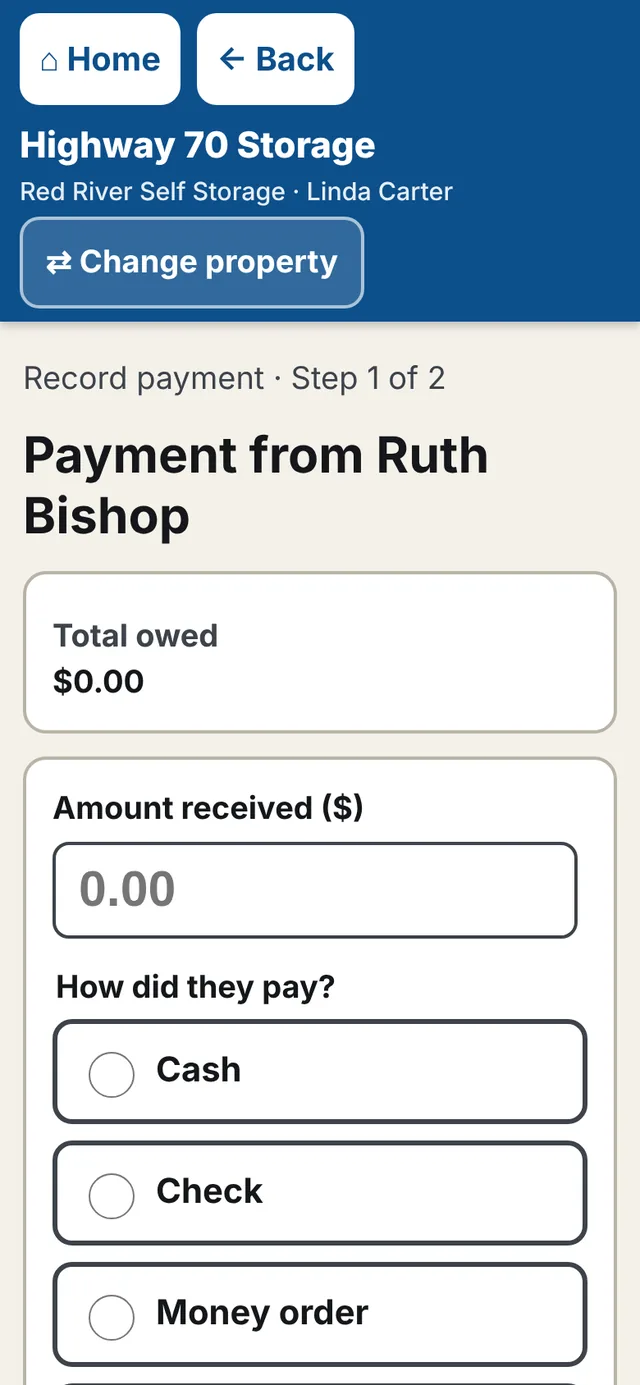
Rent is charged on each tenant's due day automatically. Record cash, checks and money orders in two taps and hand over a receipt. Late fees and reminder emails are there when you want them.

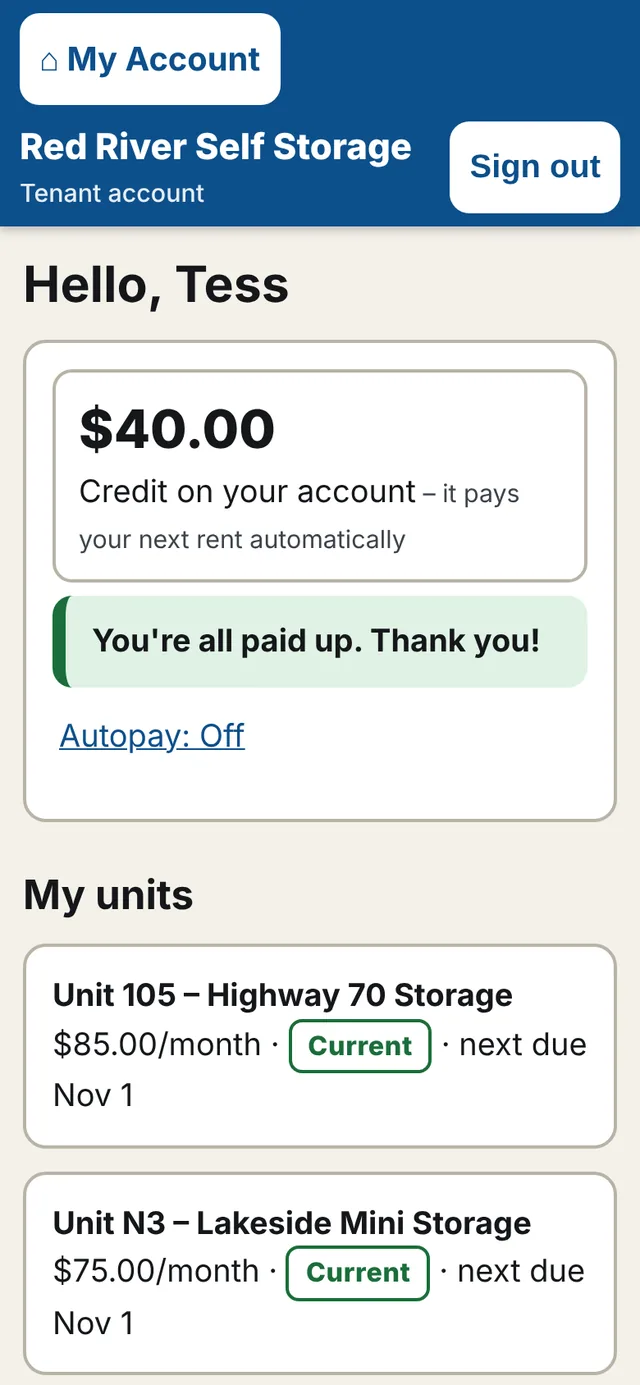
  • Tenants can pay by card and turn on autopay
  • Paying twice by accident becomes credit, never lost money
  • Hide dollar amounts from staff who don't need them
Recording a payment: amount, and cash, check or money order
A tenant's account on a phone showing two units at two locations

Know who owes what

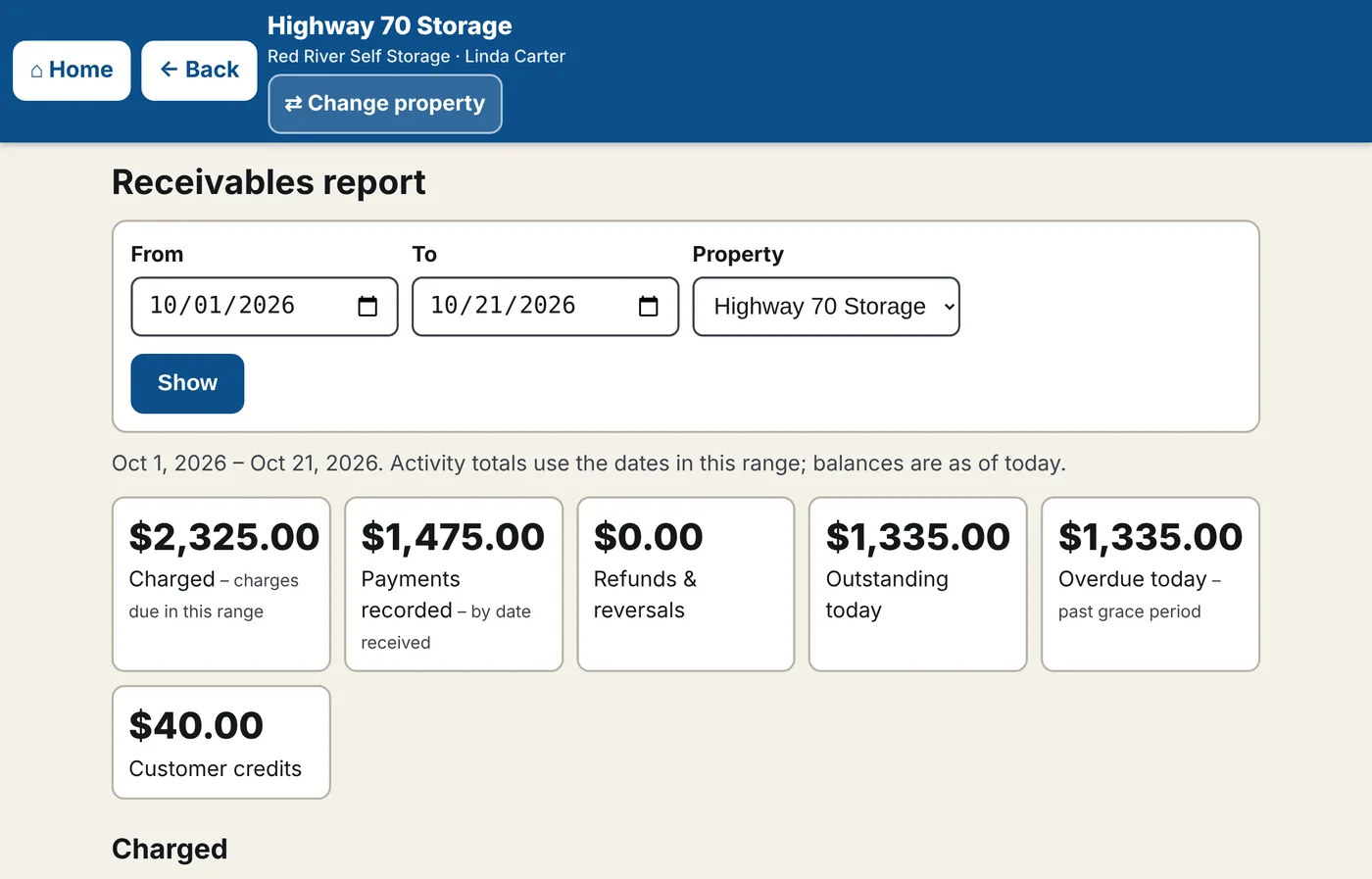
Every customer's account shows what they owe, what they've paid and what's coming due. Reports add it up for any date range, by location, and export to a spreadsheet for your accountant.

  • “Needs attention” list: late rent, move-outs, cleanup and repairs
  • Activity log of who did what
  • Customers with units at several locations have one account
The receivables report: charged, payments recorded, outstanding and overdue totals

Draw your own lot

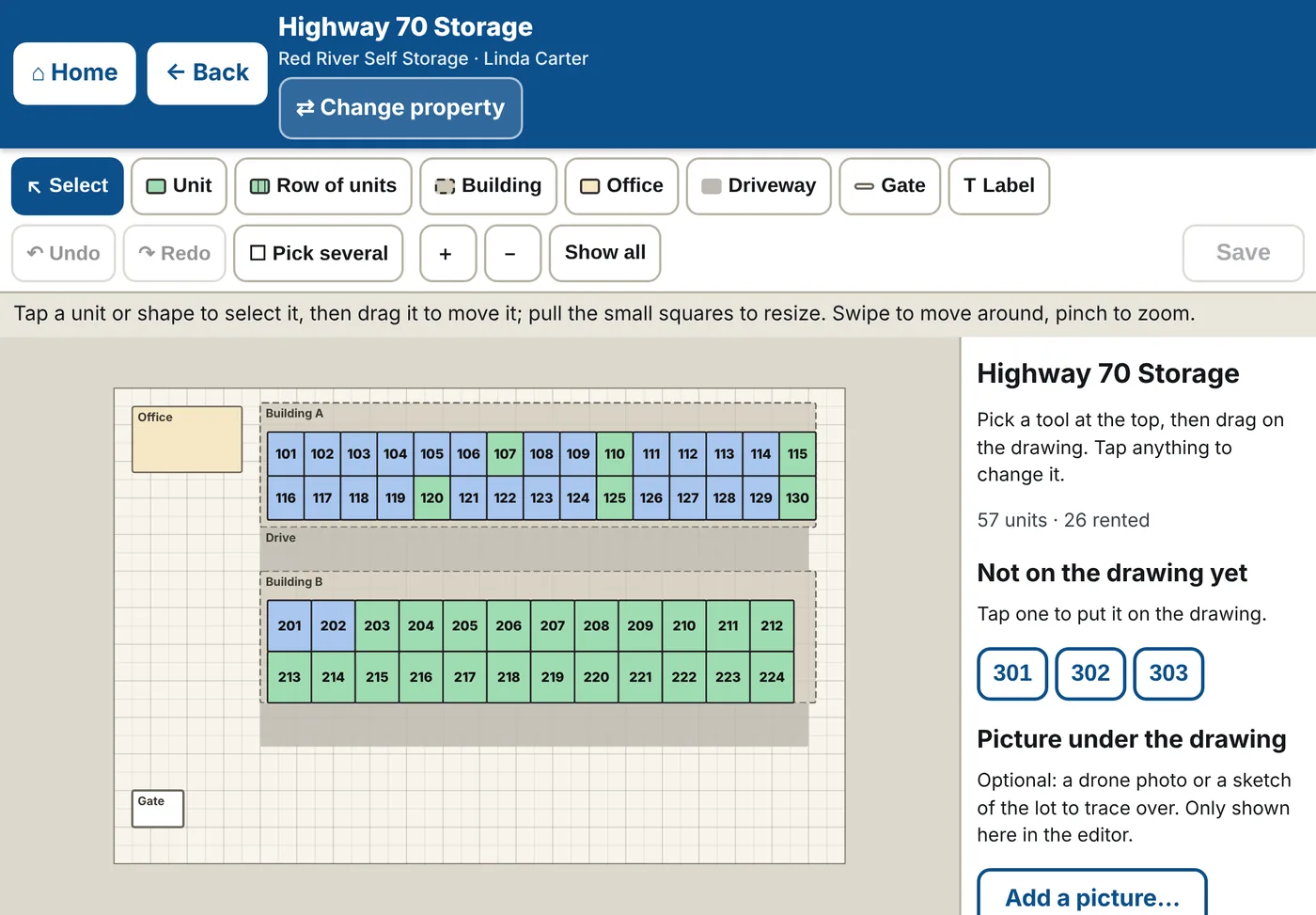
Drag out a whole row of units in one go, add buildings, driveways and the office, and pull the corners to size them. Put a photo of your lot underneath and trace over it.

  • Works with a finger on an iPad or a mouse on a computer
  • Undo anything until you press Save
  • Bring in your current tenant list from a spreadsheet
The layout editor: a toolbar with Unit, Row of units, Building and Driveway tools above a drawing of the lot

One login for all your locations

Own more than one property? Switch between them with one button. Give each staff member the locations they work at, and decide who can take payments.

  • Owner, manager and field staff roles
  • Your business name on every screen, receipt and email
  • Tenants see only their own account
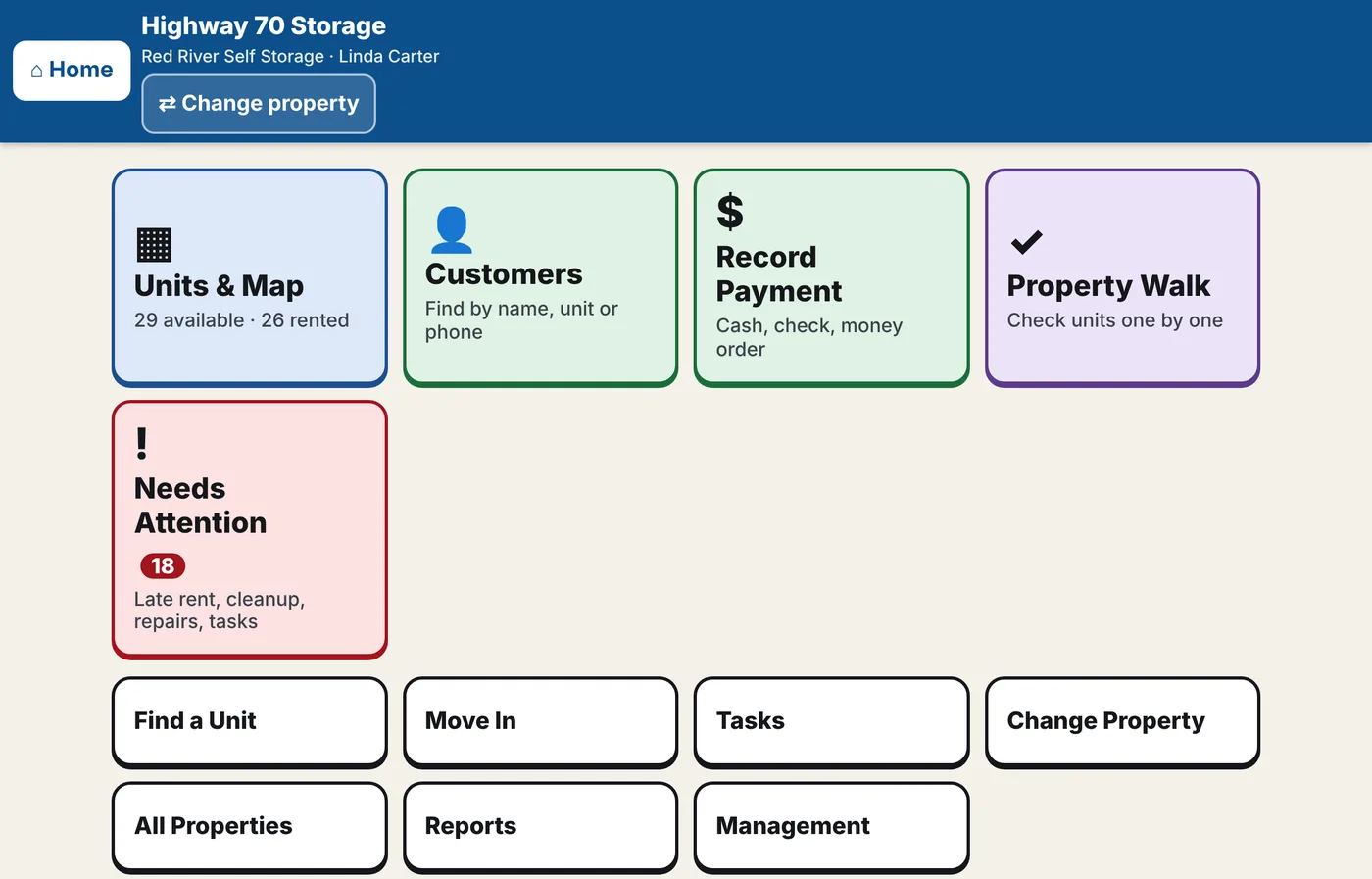
The Home screen: large tiles for Units and Map, Customers, Record Payment and Property Walk

Getting started

  1. Talk to us

    Tell us about your locations and how you run things today.

  2. Get your setup link

    We create your account. You choose your sign-in and type your business name and locations.

  3. Draw your lot

    Lay out your units on the map – or send us a sketch and we'll help.

  4. Bring your tenants

    Import your current list from a spreadsheet. Billing starts with their next due date.

Questions

Do I have to install anything?

No. It runs in the web browser on your phone, iPad or computer. On an iPhone or iPad, open it in Safari and tap Share → Add to Home Screen, and it opens like an app.

Can my staff use it?

Yes. Each person gets their own sign-in. You choose their role, which locations they see, whether they can take payments, and whether they see dollar amounts at all.

Can my tenants pay online?

Yes. Tenants get their own account to see what they owe and pay by card, and they can turn on autopay. Cash and checks are recorded by your staff as usual.

I have more than one location.

One login covers all of them, each with its own map, settings and reports. A tenant who rents at two of your locations has one account.

What about the records I have now?

Your tenant list comes in from a spreadsheet: names, units, phone numbers, emails and addresses. You check every row before anything is saved.

Is my information private?

Your business's records are only visible to your own staff. Photos are never public. Everything is backed up nightly, and payment card details never touch our servers.

What does it cost?

It depends on the size of your business. Send us a note below and we'll put together a price for you.

Contact sales

Tell us a little about your business and we'll get back to you – usually within one business day.